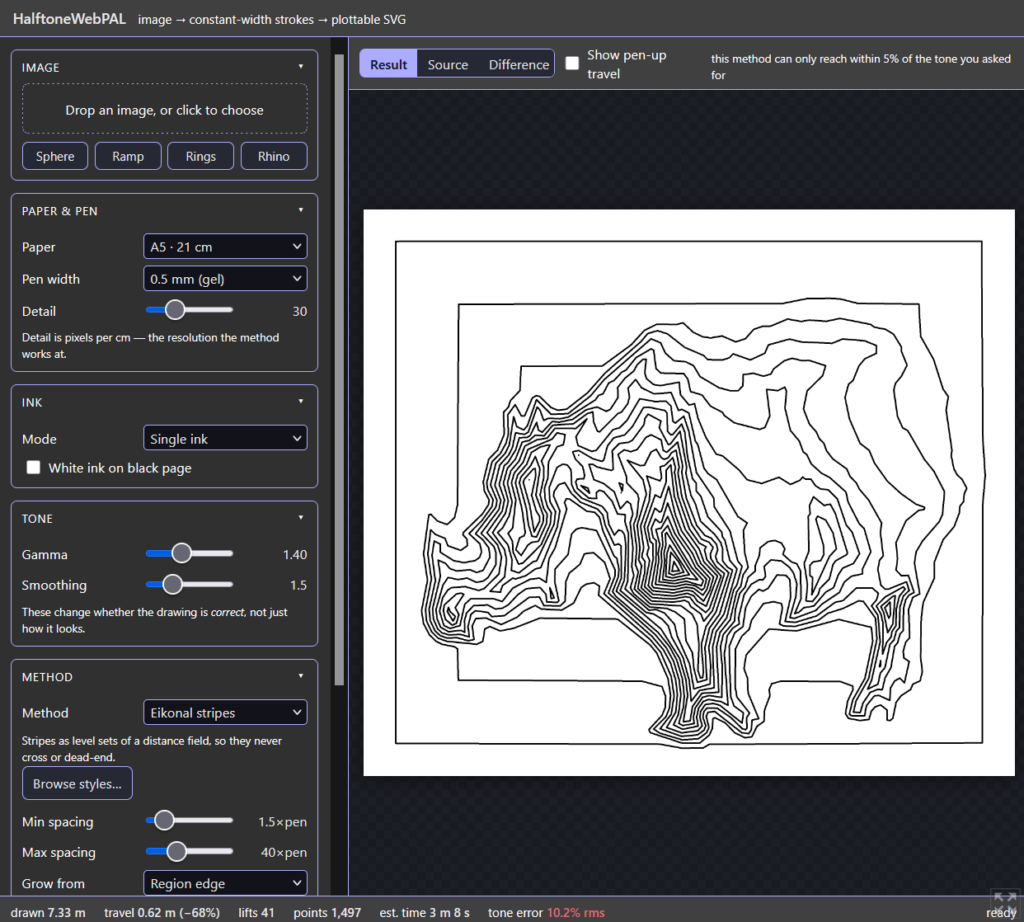
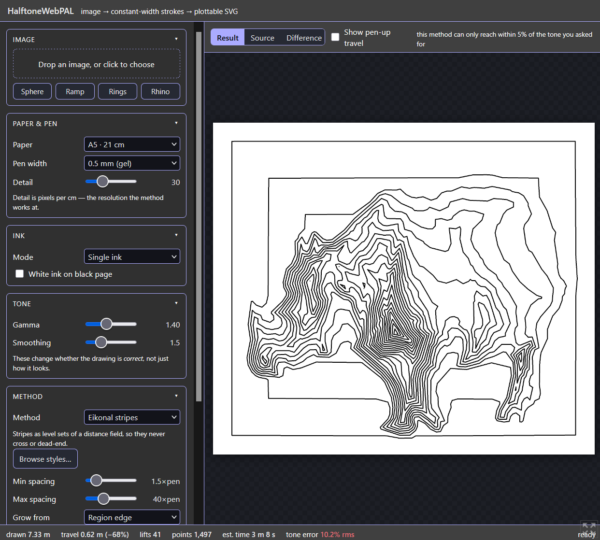
TLDR: A new halftoning web app! Go play with it!
I’ve been working on halftoning for a very long time, and particularly working with the pen-plotter style. I’ve built up a library of many, many little MATLAB snippets that I tied together into a tool for halftoning images. I’ve made sure that each method is calibrated to within its limits (ideally analytically), and documented how they work.
As a test of Claude Code, I asked it to read through my collection of MATLAB scripts and to make a LaTeX document which describes each script tersely: what it does, how it works, its novelty, and possible future extensions. This resulted in a ~300 page report. Unbidden, it also gave a summary of the project as a whole:
Five hundred and sixty-eight MATLAB files, accumulated over roughly a decade, almost all of them answering one question: given a photograph and a pen of fixed width, where should the pen go? The collection approaches that question from every direction its author could find — dithering, stippling, hatching, stripes, space-filling curves, Voronoi partitions, reaction–diffusion, circle packing, branching growth, weaving, Truchet tiles, moire, shadows, text — and the result is less a program than a survey conducted in code.
There was one point that hit home:
The recurring failure is also consistent, and it is not technical. It is that the work stops at the moment the author has understood the thing, which is several steps before the moment the work would be usable by anyone else.
Fair! I love understanding, but I should share the results. So I decided to test this as a vibe-coding exercise: translate my MATLAB halftoning to a JavaScript web app. Previously, I made HalftonePAL in Processing, and uploaded it to itch.io. That worked, but wasn’t ideal. I needed external help to compile for MacOS, and people needed to download a file to run it. This time, a web app will make it much more accessible.
So I asked Claude Code to plan a web app (targeted to itch.io) with the flexibility to use different methods, built-in testing, and to start by implementing the simplest: parallel hatching. After half an hour, it had a working prototype, which I could run in my browser. Great.
From there, I iterated: I asked for additional features, tweaked the UI, worked with it to debug test issues, and after some days of work, it seems fine. It’s much faster than my MATLAB code (after I asked for improved data structures, and thanks to JavaScript vs MATLAB), and it provides a much better interface for tweaking each method.
So now it’s a fully-fledged web app! And open source!
Features
- Use an image preset, or upload your own.
- Change the gamma and smoothing scale of the image
- Save as an SVG (for plotting) or PNG
- Optimize the order of the strokes, and simplify them.
- And estimate the drawing time.
- Change the ink:
- Black-on-white or white-on black
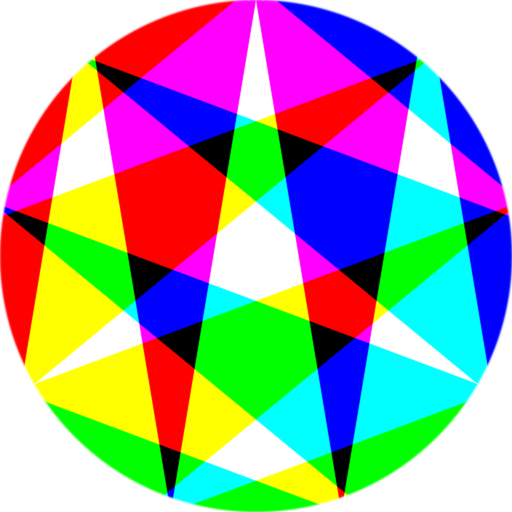
- CMYK separation
- Bunch of styles, in a few groups (with a style browser!):
- Ruled lines
- Parallel hatching – straight parallel lines, drawn or skipped to make the tone
- Crosshatching (quantised) – layers of hatching at set angles; tone from how many overlap
- Dashed hatching – fixed carriers, tone in what fraction of each is inked
- Splitting and merging lines – lines split where the picture darkens, merge where it lightens
- Stripes that follow the image
- Wiggly lines (seismograph) – carriers that wobble, tone in wavelength or amplitude
- Plane waves in regions – page cut into regions, each filled with straight stripes at its own angle
- Eikonal stripes – stripes as level sets of a distance field, never cross or dead-end
- Streamlines (flow hatching) – evenly spaced lines following the image’s own direction field
- Dashed streamlines – those lines at constant separation, tone carried in dashes
- Stripes across a triangulation — stripes continuous across a mesh, ending only where the field turns back
- Refining noise contours – contours of a noise field, wavelength set by the tone
- Discrete marks
- Stippling (dots) – dots at the density the image asks for; four ways to place them
- Stippling (short strokes) – the same points drawn as short strokes, each carrying a direction
- Dither grid (dots) – dots on a fixed lattice, chosen by one of five dithering rules
- Radially remapped lattice – a regular lattice squeezed radially until its density carries the image
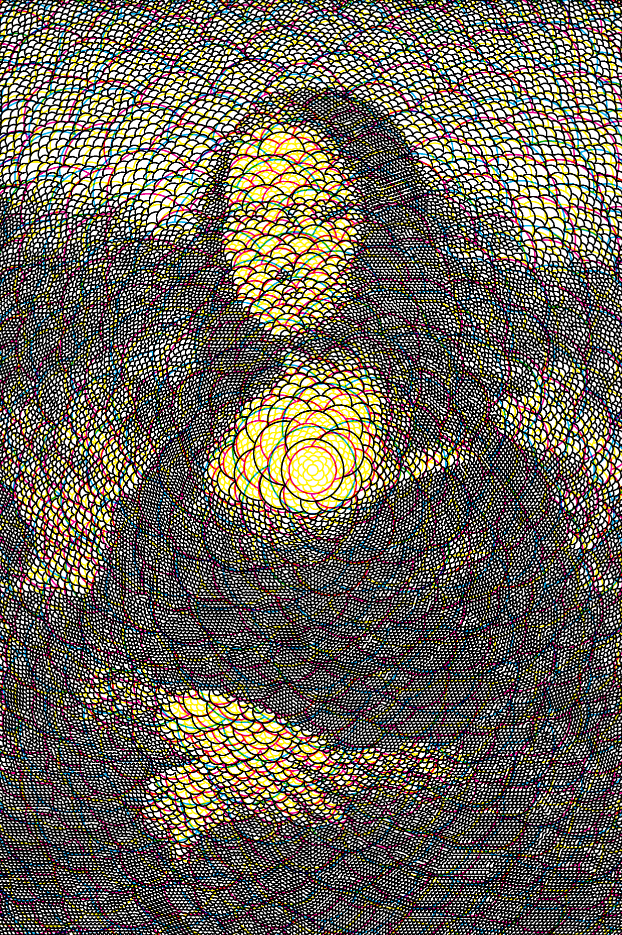
- Circle packing – packed circle outlines, smaller where the image is darker
- Lapping shapes – overlapping scales, each drawn only where earlier ones haven’t covered it
- Marks joined up
- Voronoi / Delaunay web – the Voronoi or Delaunay web of points placed by tone
- Spanning tree – a spanning forest over those points, branches not a net
- String art – one thread between nodes, each chord chosen to cover what’s left
- Travelling-salesman tour – a TSP tour through the points: one unbroken stroke
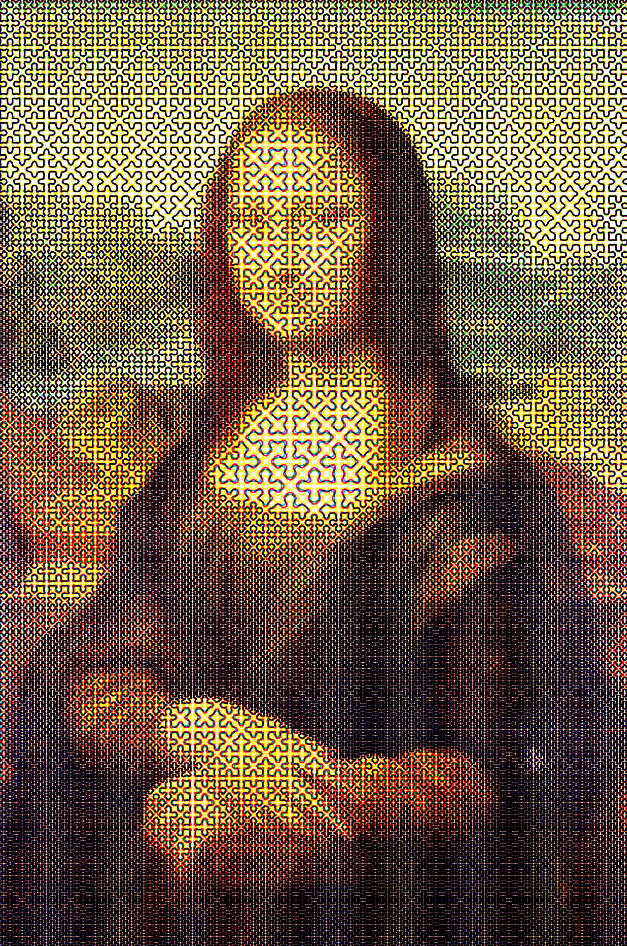
- Space-filling curve (collapse) – one curve, keeps its wiggle where dark and straightens where light
- Cutting up the page
- Quadtree crosses – a quadtree split until each cell is the right tone
- Polygon subdivision – the page cut again and again; the cuts themselves are the drawing
- Ruled lines
AI usage thoughts
I’ve only written a couple dozen lines of JavaScript before, so the LLM’s ability to architect the structure of the web app was extremely helpful. Also, its translations of my MATLAB scripts were much faster than if I’d done it myself. Impressive!
Also impressively, it did a pretty good job of identifying bugs. I’d describe the incorrect behavior and sometimes include my theory of what misbehaved. From there, it might churn for a while attempting solutions, but eventually hit on the solution.
The downside is that I don’t have an intuitive understanding of the entire code structure, like in software that I’ve built on my own. So there will be a learning curve to actually doing that.
Screenshots